Single vs. Multi-Document Design
A. Single-Document Design
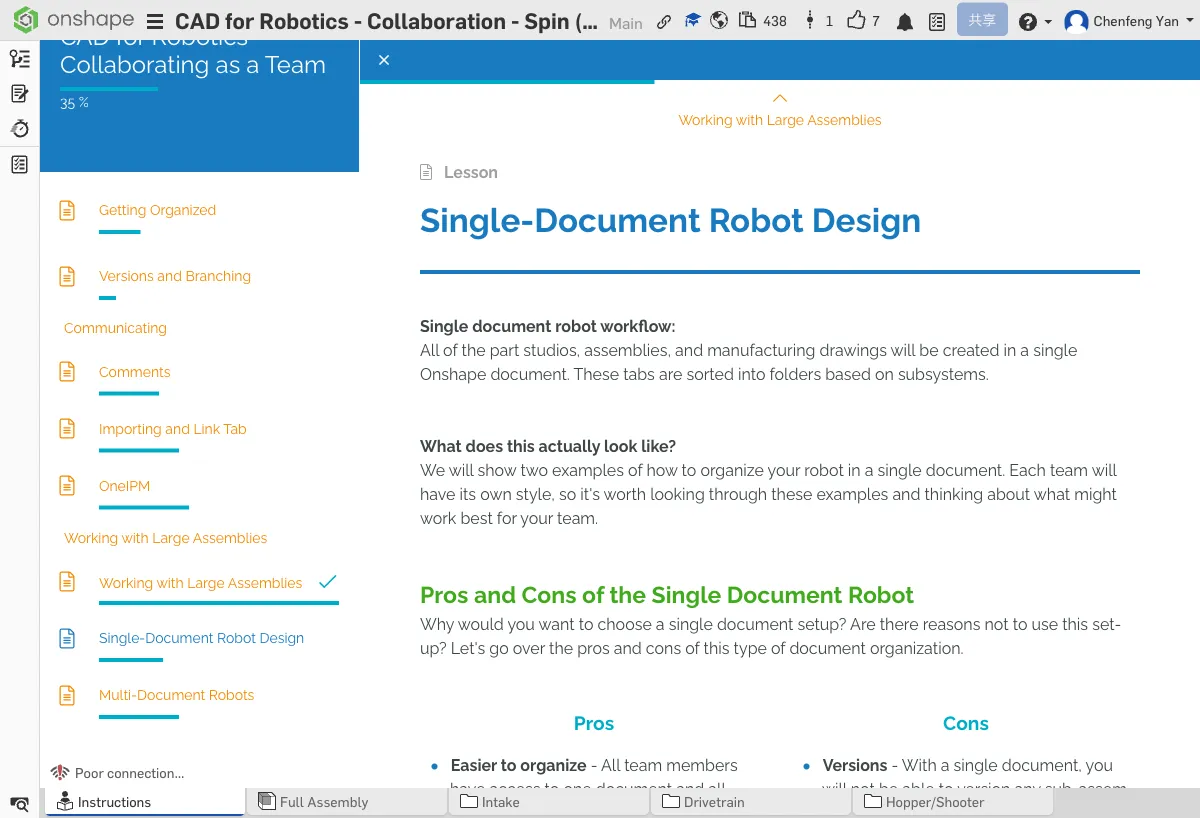
Pros
- Simple — Everything is in one document; no need to switch between multiple documents
- Great for small teams — Teams of 1-3 people can manage it easily
- Easy internal references — Parts within the same document can reference each other without cross-document operations
Cons
- Gets slower as it grows — Loading and operations slow down with many parts
- Requires coordination for multi-user editing — Although Onshape supports real-time collaboration, concurrent edits in a single document require good communication
- Not ideal for very complex robots — May lag with hundreds of parts
Pro Tip: Link Tab
In a single-document design, you can use the Link Tab app to embed external web content into your Onshape document (such as gear calculators or reference materials). This keeps all related information in one place.
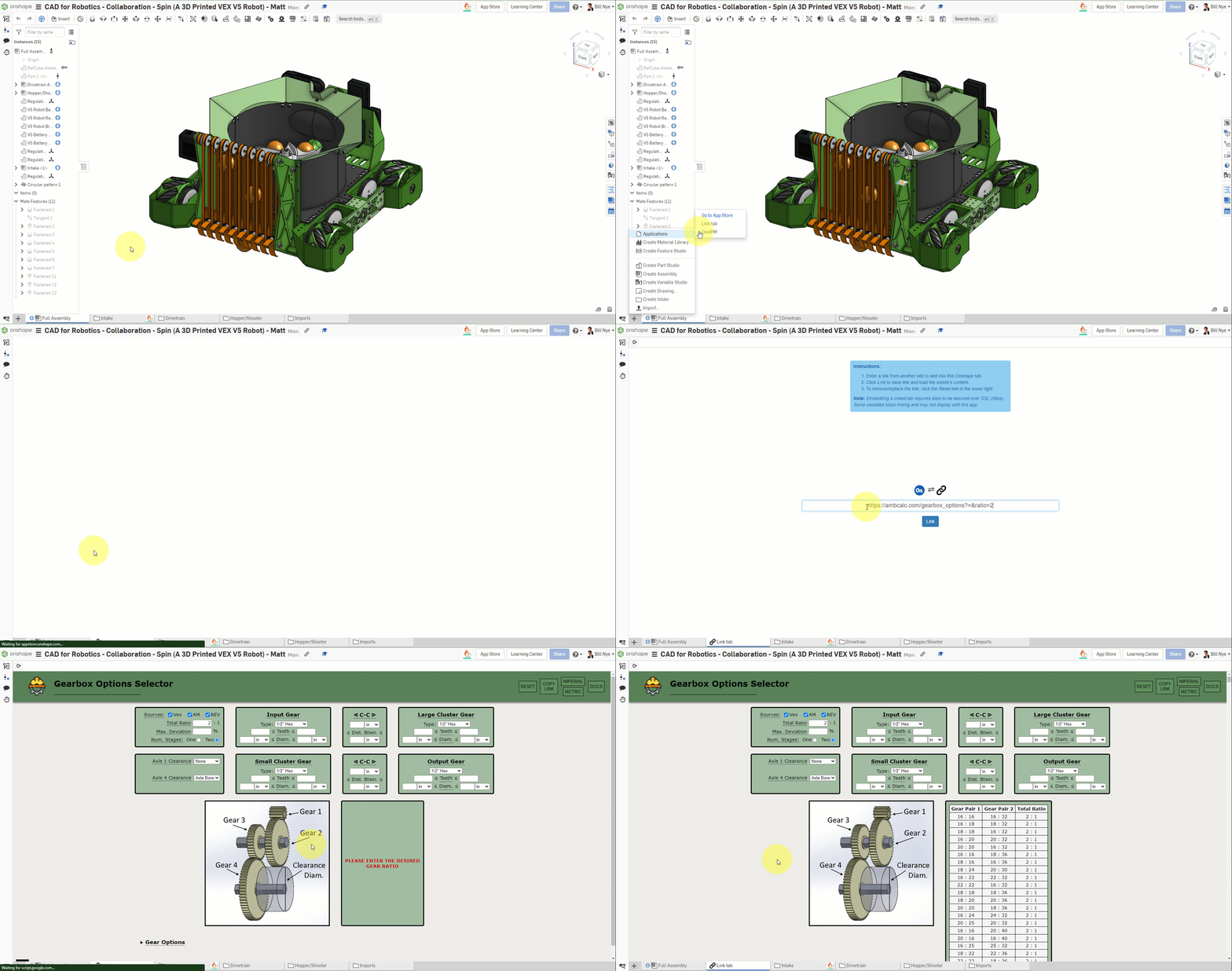
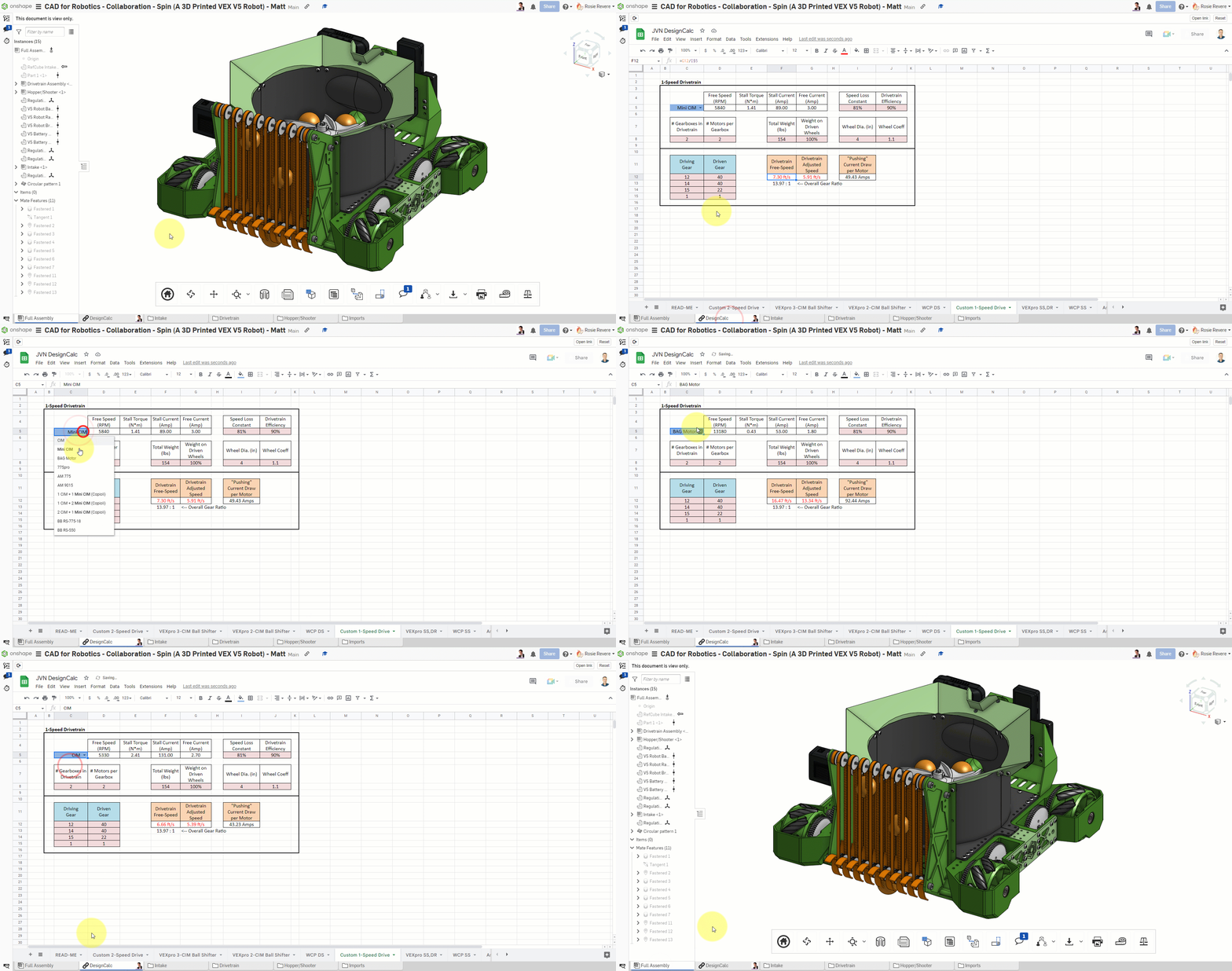
Real Example: FRC Basketball Robot
This is a typical single-document design case. All subsystems (Drivetrain, Intake, etc.) are organized in different tabs within the same document.
Observe how this project uses tabs to organize different assemblies and parts
See how many tabs it has and what subsystem each tab corresponds to. Think about how you would organize the tabs for your own robot.
B. Multi-Document Design
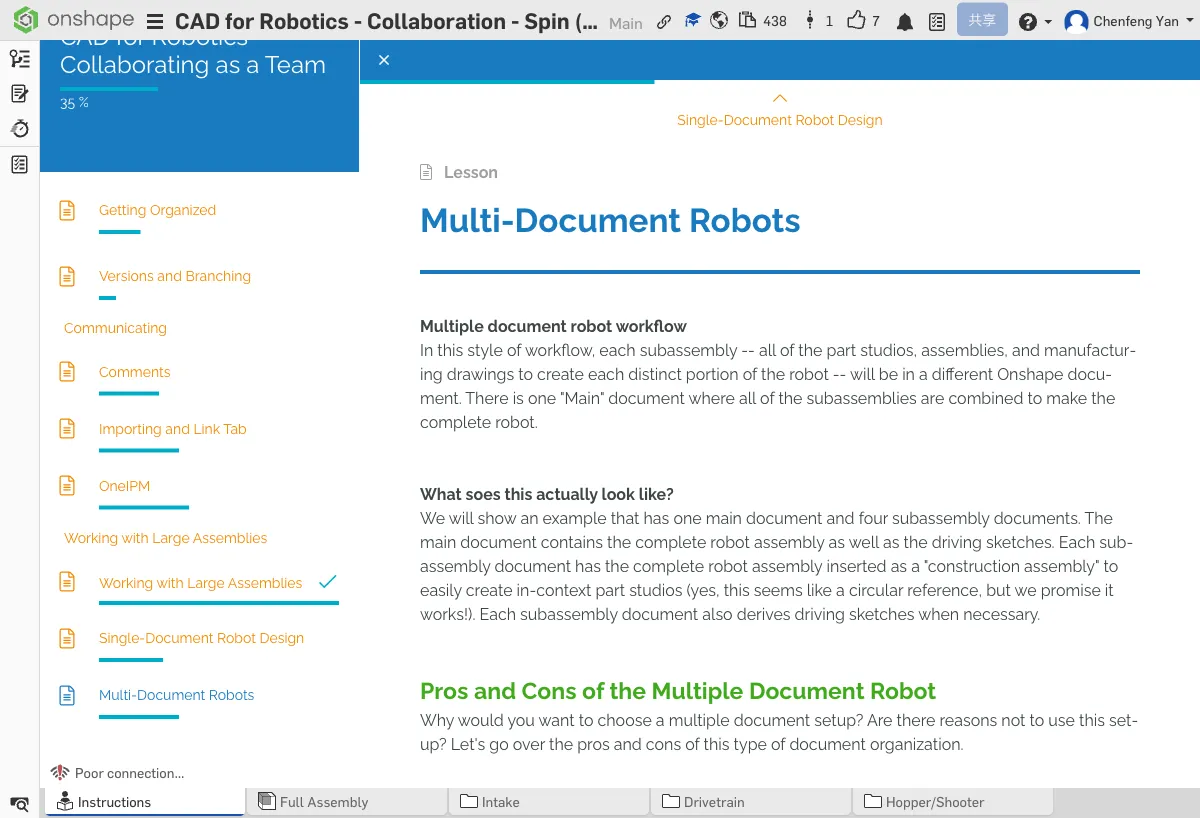
Pros
- Each subsystem is independent — Modifying the drivetrain won't affect the intake document
- Parallel work — Different people work on different documents without interference
- Faster loading — Only open the subsystem documents you need
Cons
- More complex management — You need to maintain references between multiple documents
- Naming conventions are critical — Without good naming, managing many documents gets chaotic
- Cross-document references — You need to understand Onshape's inter-document referencing mechanism
Real Example: PTC Multi-Document Robot Project
This project splits the robot into multiple independent documents — one for each subsystem — and then references them all in a top-level assembly.
All subsystems come together here — observe how it references each sub-document
Independent document for the drivetrain subsystem
Independent document for the intake subsystem
Independent document for the catapult launching mechanism
Independent document for the ball catcher structure
Open the top-level assembly and see how it references parts and sub-assemblies from each sub-document. Compare the single-document and multi-document approaches.
C. Recommendations
- Small team (1-3 people) + simple robot — Single-document, simple and sufficient
- Large team (4+ people) + complex robot — Multi-document, easier for parallel work
- Most VEX V5RC teams — Single-document is enough
- FRC / VEX U — Consider multi-document design
Regardless of which approach you choose, the most important thing is to stay consistent. Switching organization methods mid-season is costly. Discuss with your team at the start of the season, then commit to it.
How many people are on your team? How many subsystems does your robot have? Based on what you learned in this chapter, would you choose single-document or multi-document? Why?
Quick Quiz
For small teams (under 3 people), which document strategy is recommended?
What You Learned in This Chapter
- Small teams use single-document; large teams use multi-document
- Multi-document keeps each subsystem independent for parallel work
- Naming conventions are key to multi-document management