Why Learn CAD?
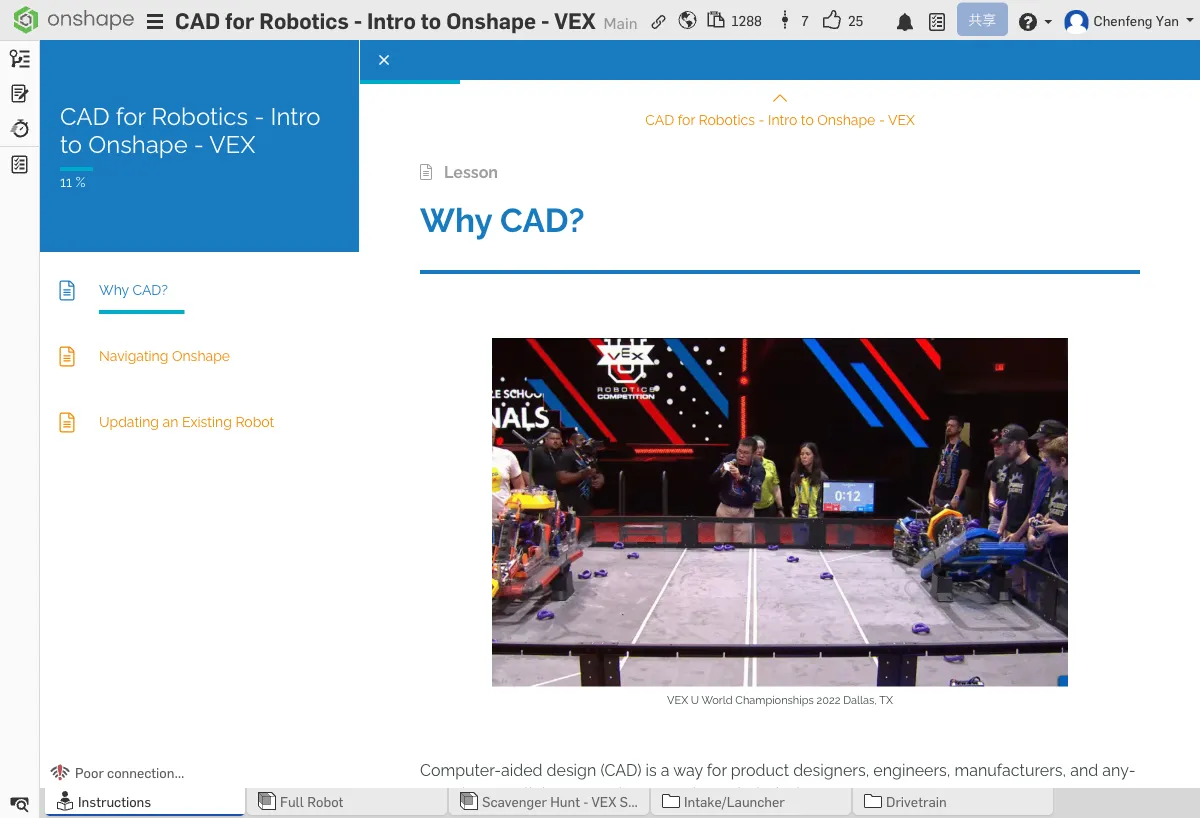
Computer-Aided Design (CAD) is how product designers, engineers, manufacturers, and everyone else collaborate and communicate their designs.
Any company that manufactures products needs CAD to stay organized and communicate design ideas.
For example...
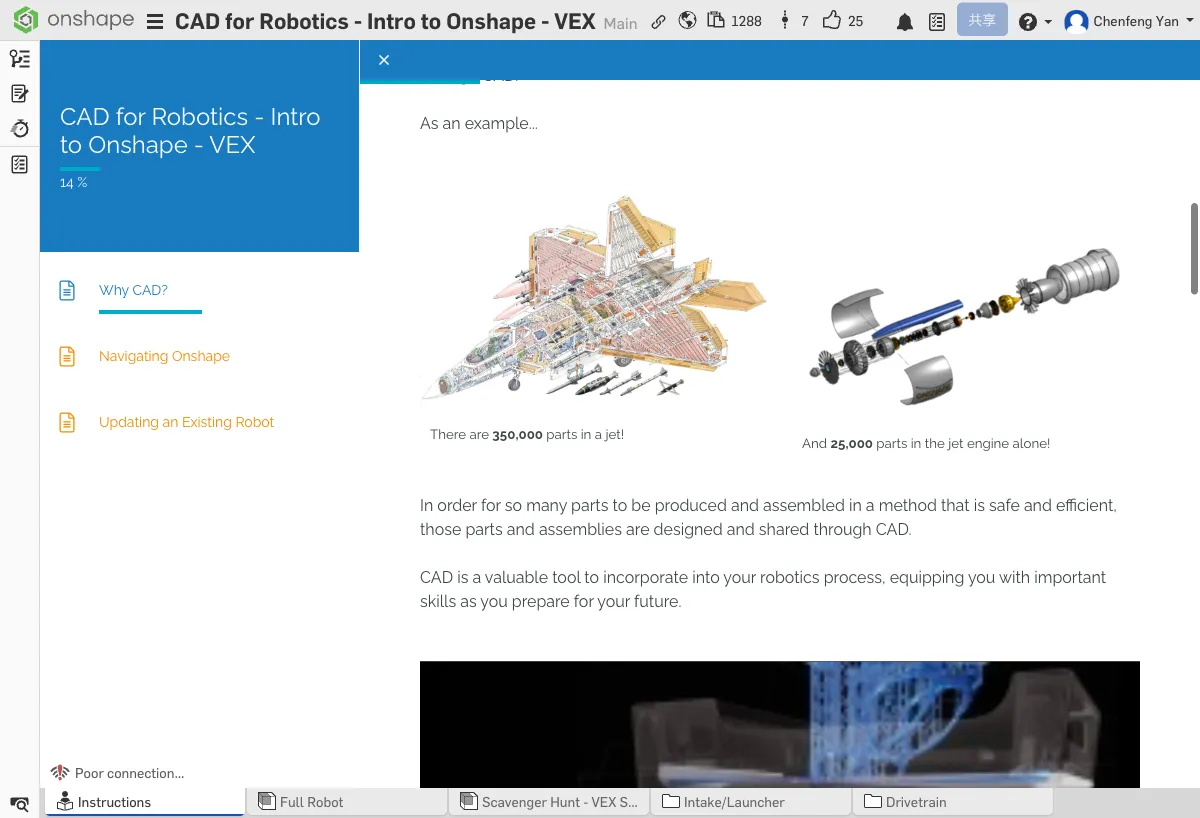
To safely and efficiently manufacture and assemble all those parts, they are designed and shared through CAD.
CAD is an important tool in your robot development process and helps you build valuable skills for the future.
Your team is developing its own product (a robot!), and just like professional companies, using CAD will benefit you too.
Problems CAD Can Solve
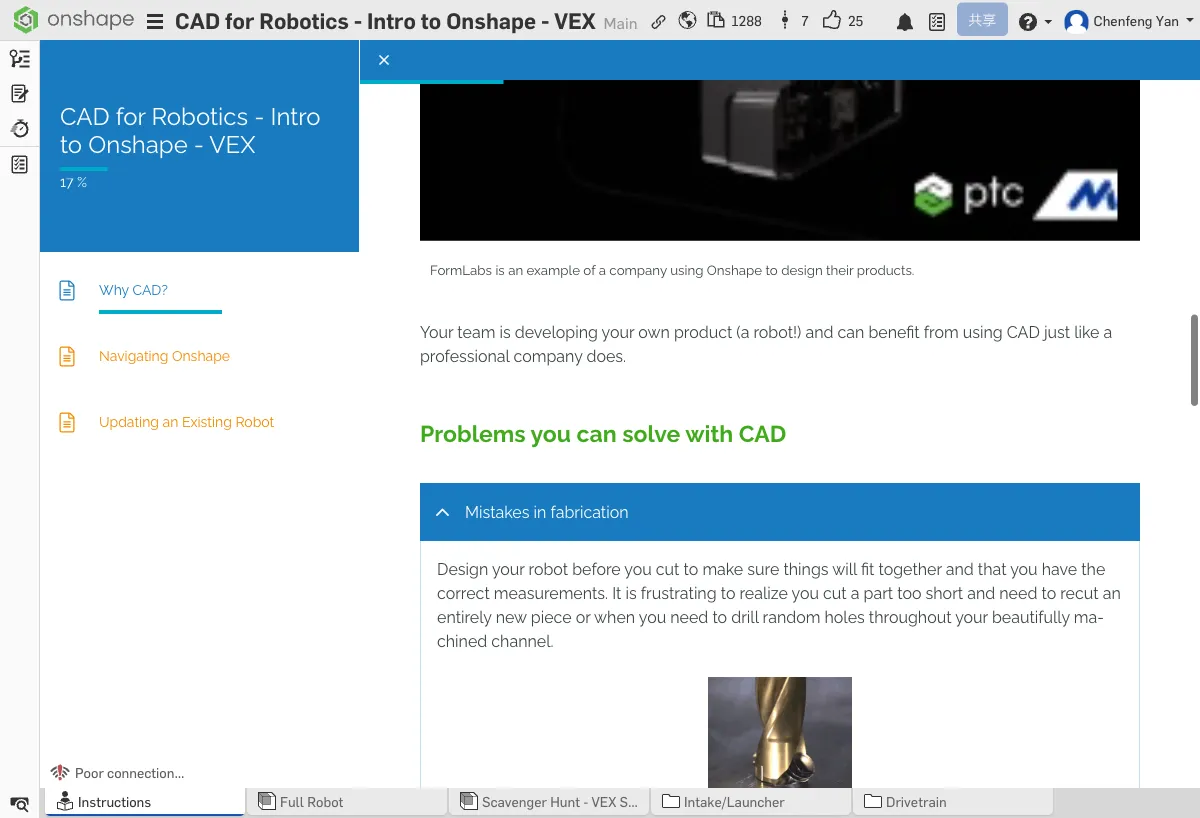
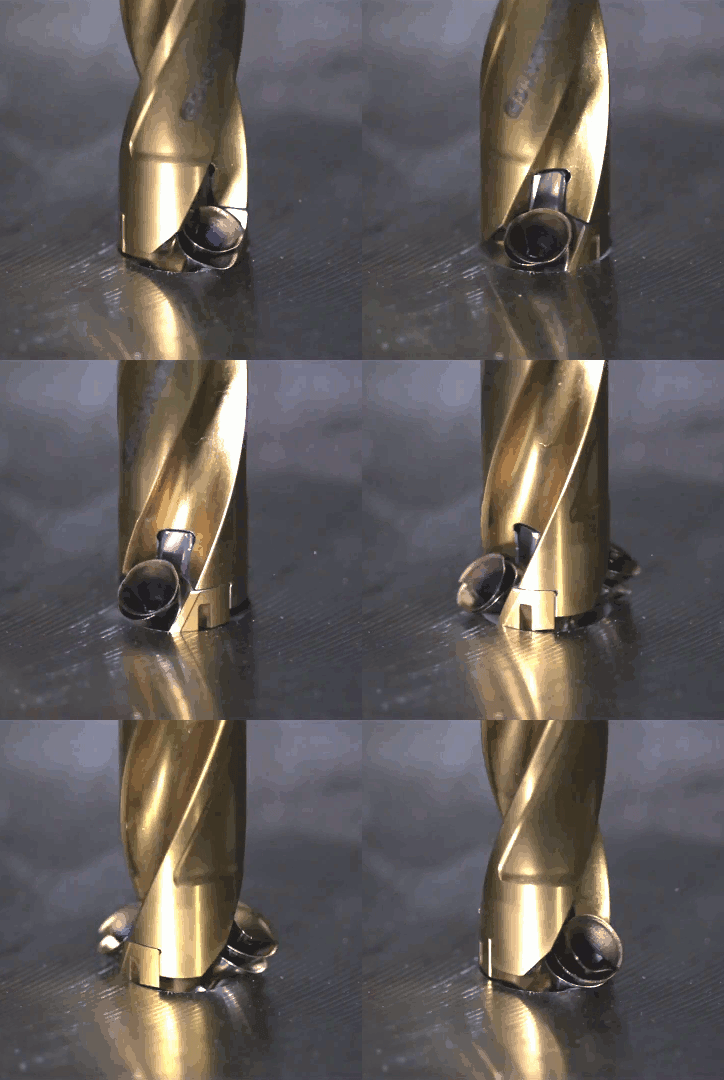
Design your robot before cutting to make sure parts fit together correctly and dimensions are right. You don't want to discover a part was cut too short and have to re-cut, or drill unnecessary holes in carefully machined aluminum.
CAD models let everyone see the same design, reducing misunderstandings from verbal descriptions.

Use CAD to assign design tasks so all team members can contribute and balance the workload.


Proper CAD drawings help ensure your robot meets competition size and specification requirements.

CAD files serve as a record of your design process, showing judges how your team developed the design step by step.

Why Onshape?
We've shown how valuable CAD is for your team and robot. So why Onshape specifically?
- No powerful computer needed — Onshape runs in any browser, including Chromebooks and iPads. No downloads, no installations, no upgrades. Every team member can start using it right away!
- Cloud storage — Your team's robot model is accessible anytime, anywhere! Students can work on a school computer and log in at home to continue.
- Real-time collaboration — Onshape documents can be shared for viewing, or multiple team members can edit simultaneously. Later lessons will teach you how to leverage this for true team collaboration.
- Rich resources — Onshape isn't just a CAD platform — you also get access to a community of designers, builders, and teams who learn from and support each other!
Teams and Designers Using Onshape
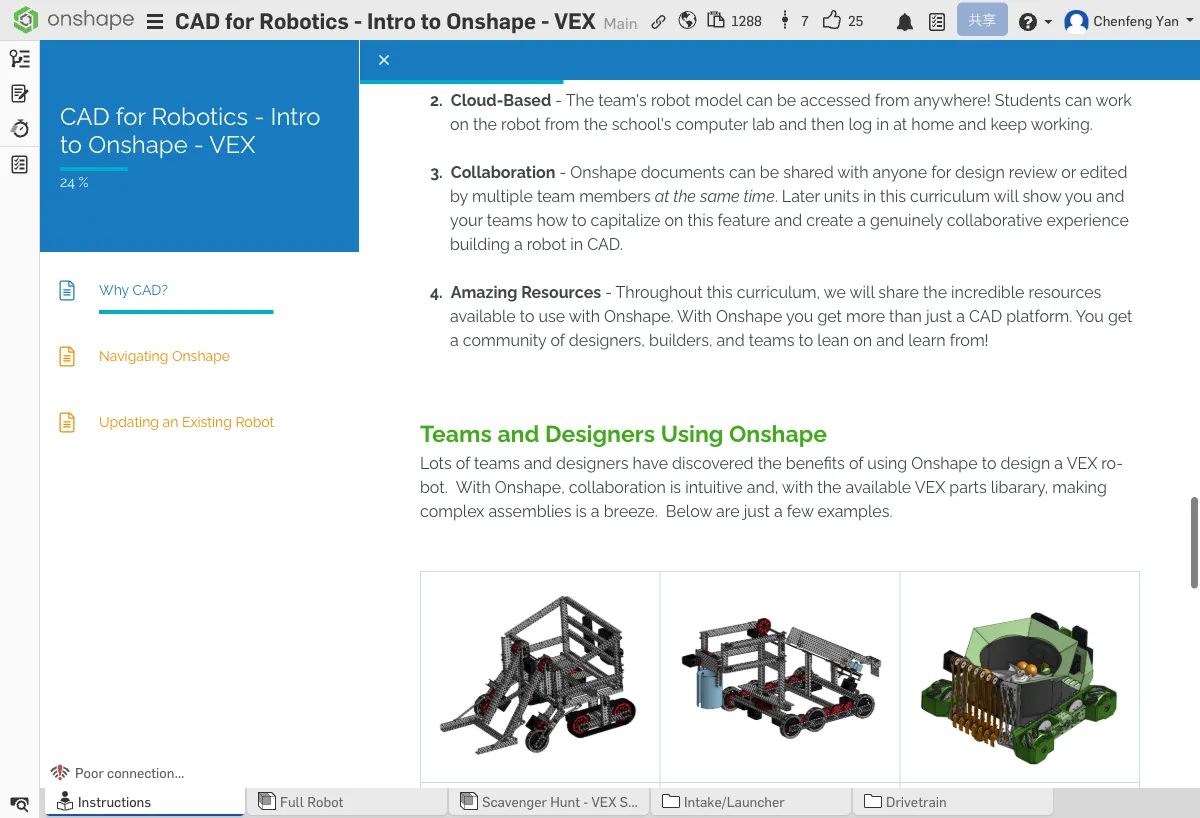
Many teams and designers have discovered the benefits of designing VEX robots with Onshape. Onshape's collaboration features are intuitive, and combined with the existing VEX parts library, building complex assemblies is a breeze. Here are some examples:
| Team | Project |
|---|---|
| 61391Z & 37212A | Seaweed Scoop |
| 94X | The Beach Fixer |
| — | Ping Pong Ball Collector and Launcher |
Who on the Team Should Use CAD?
You might think CAD is only a tool for designers at the start of the season, but it's much more than that! Your entire team can benefit from CAD.
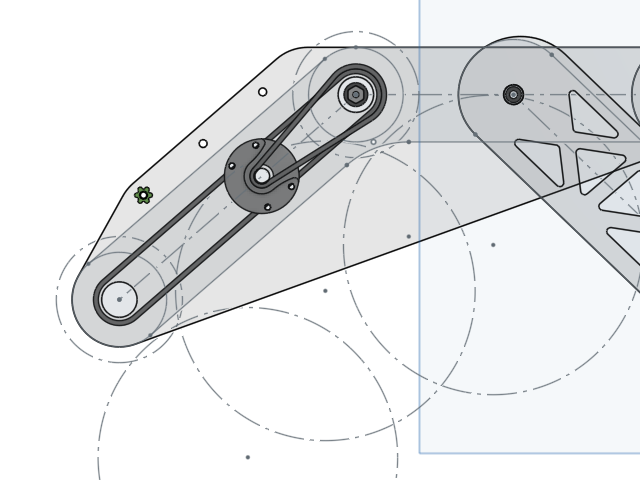
They can use CAD to design different mechanisms and develop creative ideas.
Reference CAD drawings to machine parts precisely and reduce errors.
Plan wire routing paths and sensor mounting locations in CAD.
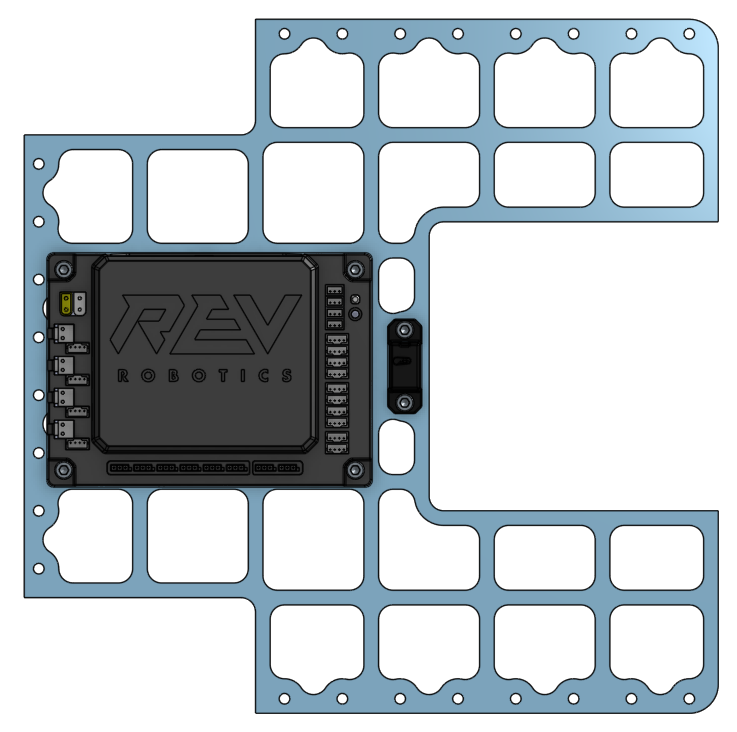
Understand the robot's physical structure to write more accurate control programs.
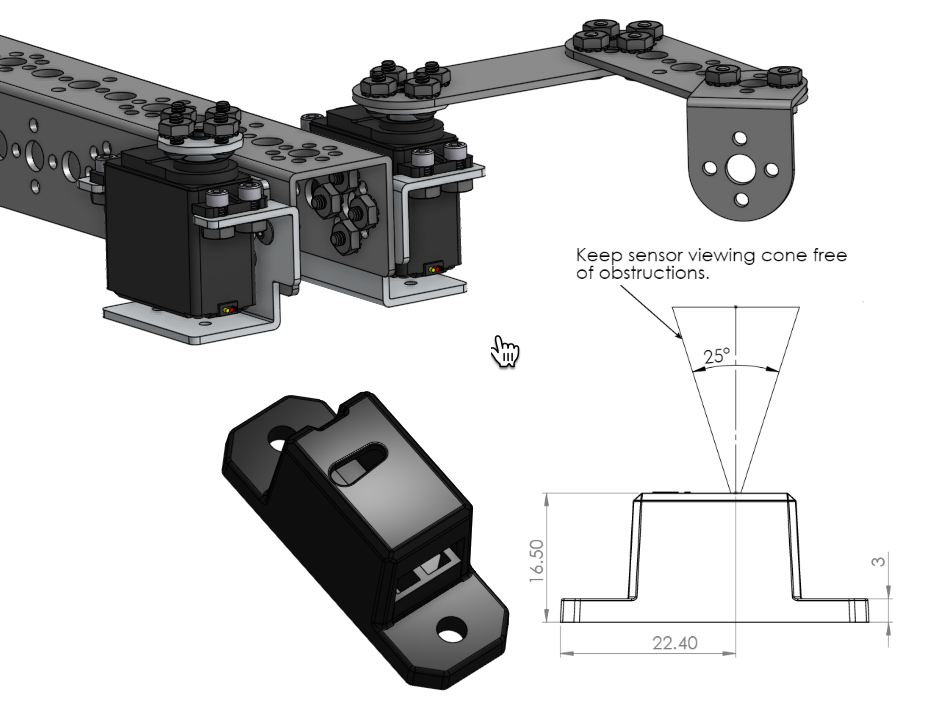
Use CAD renders to create posters, display boards, and promotional materials.
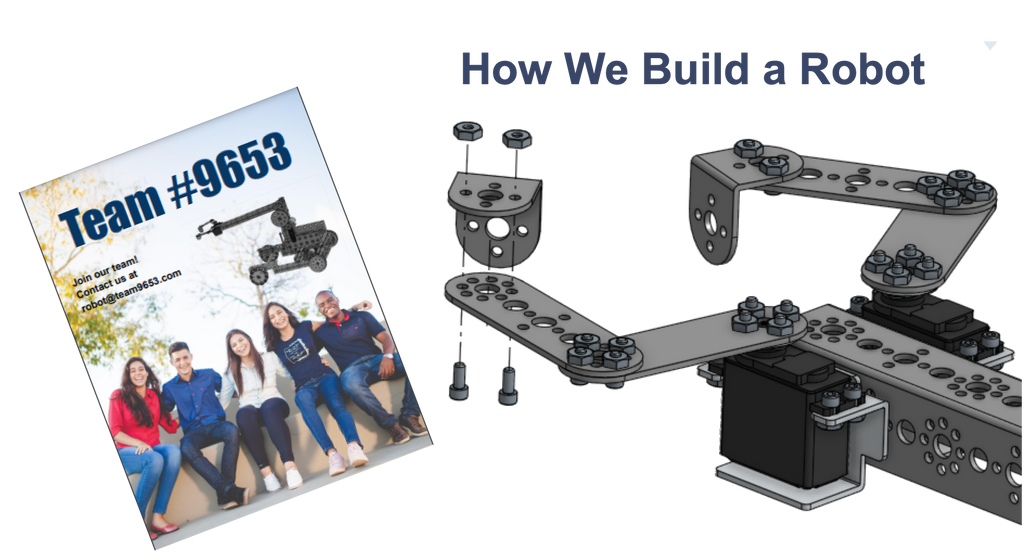
Use professional CAD drawings to demonstrate the team's expertise and attract sponsors.
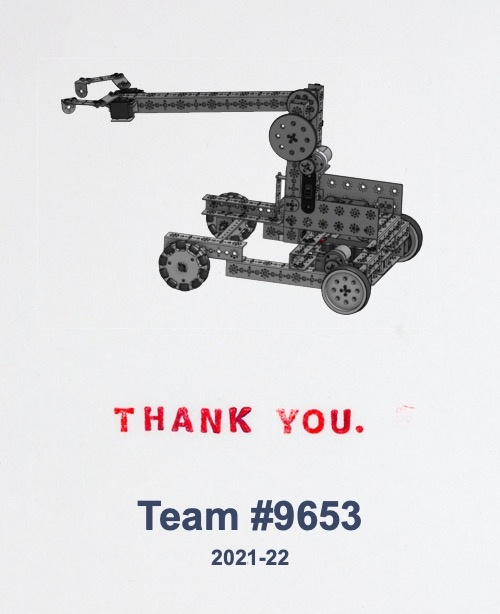
Track students' design progress through CAD models and provide guidance.
Click to open Onshape in a new tab, browse the robot models inside, and get a feel for what CAD can do
Look at the Full Robot tab at the bottom and try rotating the model. This is a robot designed with CAD!
Quick Quiz
What does CAD stand for?
What You Learned in This Chapter
- CAD is a core tool for team collaboration and design communication
- Onshape is free, cloud-based, and supports real-time collaboration
- Every role on the team can benefit from CAD